
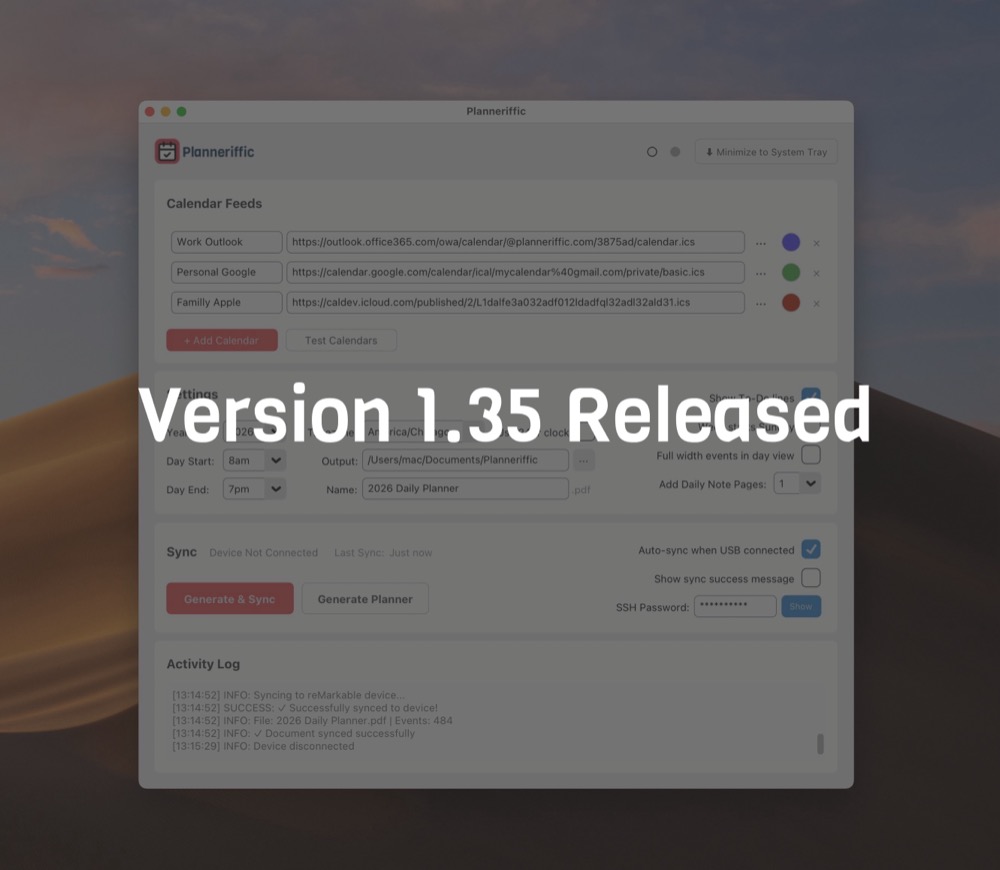
Small updates with version 1.35
This week I had a great conversation with a new user who uncovered a couple edge cases, which revealed two bugs in the app.
So after fixing the bugs, Planneriffic 1.35 is now the latest version. If you download the Windows or Mac version via the trial download button on this site, you're always getting the latest version.
If you've previously purchased the app, the download links in your email are also always pointing to the latest versions.
More than 3 All Day events
If you have the "Full width events in day view' option unselected, then on a day where you might have more than 3 All Day events, they would start to get squashed in the right column.
This version fixes that issue. So now you'll see a maximum of 3 all day events in the day view, and then a +1, +2, etc if there are more all day events, and everything fits nicely.
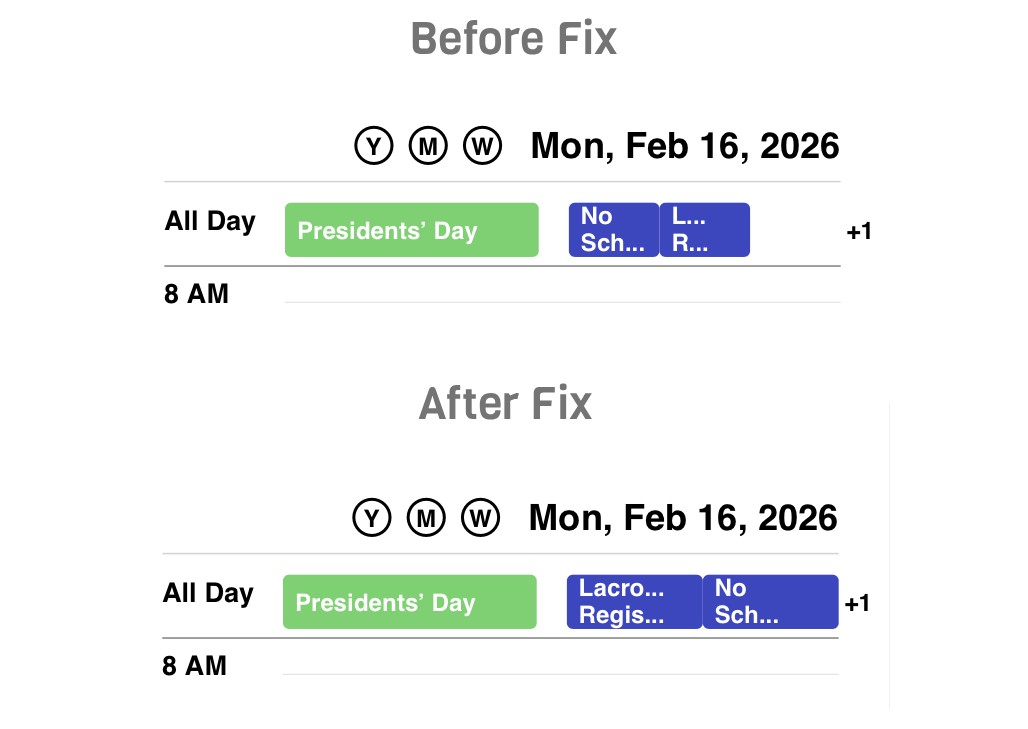
Just a reminder, the difference between 'Full width events' and not, is that 'Full width events' stretches each event on the daily view into the full width of the reMarkable Move. If there are two events, they get split into half and half. If there are three events, they get split into 1/3, 1/3, 1/3. After that, it goes to the +1 icon.
With 'Full width events' off, then the most events fall into the left half column of the day view, giving you room to write notes in the right half. If you have 1 or more concurring events, they start to do a little dance to all fit in.
If You Rename Your Planner File on your Move
The other fix in this release is how Planneriffic finds the right file to sync on your Move. Previously it would look for the name of the file. That becomes a problem if after you sync your planner to your Move, if you rename the file on your Move. So the next sync, Planneriffic will say 'success' but it won't actually find and sync your file.
So in this version, when you first sync your planner file, Planneriffic will save the UUID of your planner file. So if you rename the file on your Move, during the next sync Planneriffic will locate it by the UUID.