

reMarkable 2 vs Paper Pro: Should You Upgrade in 2026?
Should a reMarkable 2 owner upgrade to the Paper Pro, and what should a new buyer get now that the reMarkable 2 is sold refurbished only? Two clear verdicts.
Should a reMarkable 2 owner upgrade to the Paper Pro, and what should a new buyer get now that the reMarkable 2 is sold refurbished only? Two clear verdicts.
Supernote Manta vs reMarkable 2 compared on note organization, search, templates, sync, exports and repairs, for people whose notes need finding later.

reMarkable vs Kindle Scribe comes down to what you do most. Compare the Amazon ecosystem, file transfers, note exports and how each one runs a planner.
The reMarkable Paper Pro vs iPad for planning your day and focused work: distractions, screens, battery and how to get your calendar onto each one.

Supernote vs reMarkable compared on philosophy, lineups, templates, sync, subscriptions and calendar planning, to help you pick the brand that fits.

Which pen tips work on the reMarkable Paper Pro, how long a tip lasts, the signs it's worn, how to swap it, and whether the Marker Plus is worth it.
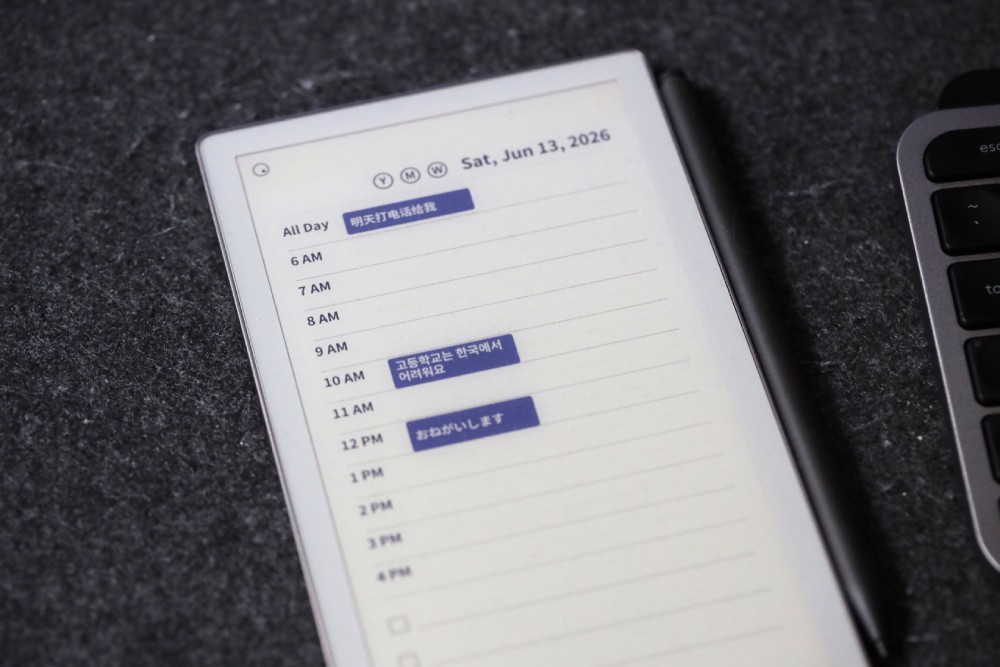
Planneriffic 1.37 now renders calendar events in Traditional Chinese, Japanese, Korean, and more, thanks to a new bundled font

The Kindle Scribe Colorsoft and reMarkable Paper Pro compared on color screens, pens, books, note exports and planning, for buyers choosing a flagship.
Turn a reMarkable into a pro-level planner: build a simple system, use the tools that save time, keep a weekly review and put your real calendar on the page.
Compare e-ink calendar options: ready-made wall displays, e-paper dashboards, DIY builds and a writing tablet that shows your real calendar on the page.

reMarkable vs iPad for handwritten notes compared on writing feel, focus, battery and finding notes later, with an honest look at what the research shows.
The two pocket e-ink notebooks compared: screen, weight, storage, battery, repair, note search and how each handles a daily planner with your calendar.

The reMarkable 2 is discontinued. Compare it and its successor, the Paper Pure, with the Supernote Manta on hardware, software, sync and value.
Gestures, tools and settings that save time on a reMarkable Paper Pro: undo and redo taps, shape snapping, the lasso, color, file transfers and battery.
Kindle Scribe vs reMarkable compared on screens, writing, reading, notes and planning, so you can pick the lineup that matches how you spend your day.
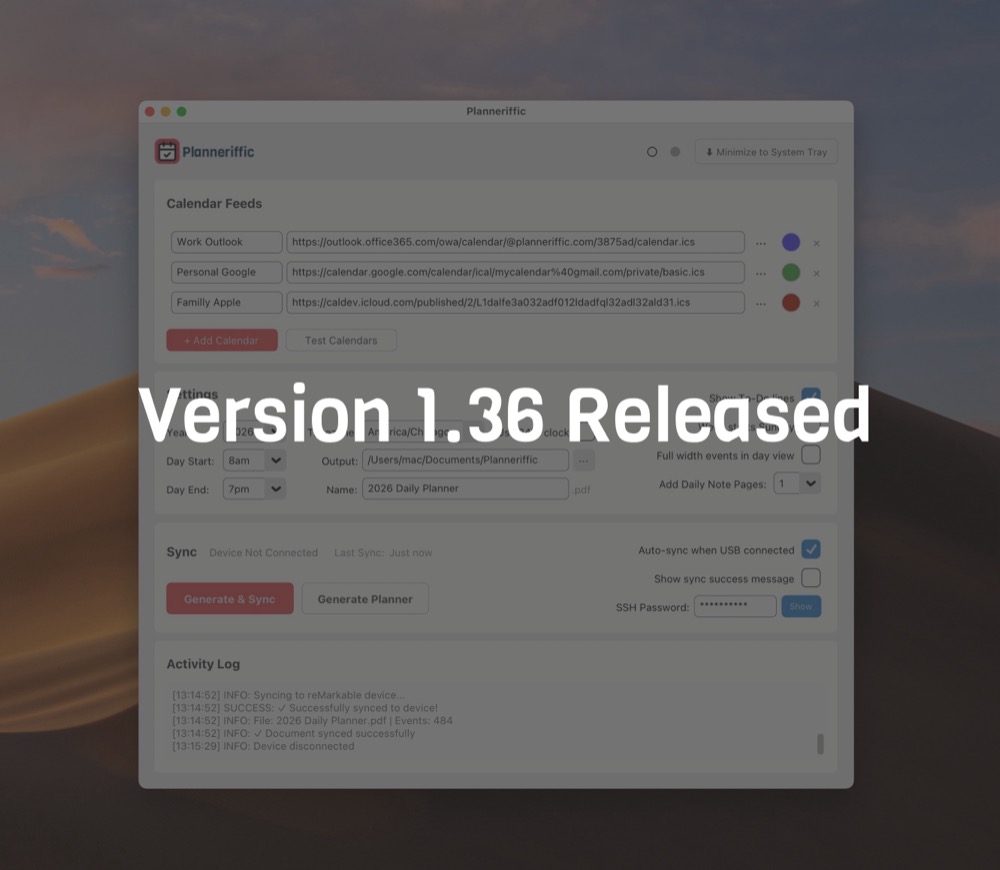
This small update addresses an auto sync loop and an issue with expired trials

Build a reMarkable day planner template that fits your screen: what a day page needs, the right page size, and the safest way to load it onto the tablet.
Planning on a reMarkable Paper Pro: what color and the big screen change, whether it has a calendar, and how free, paid and calendar-synced planners compare.
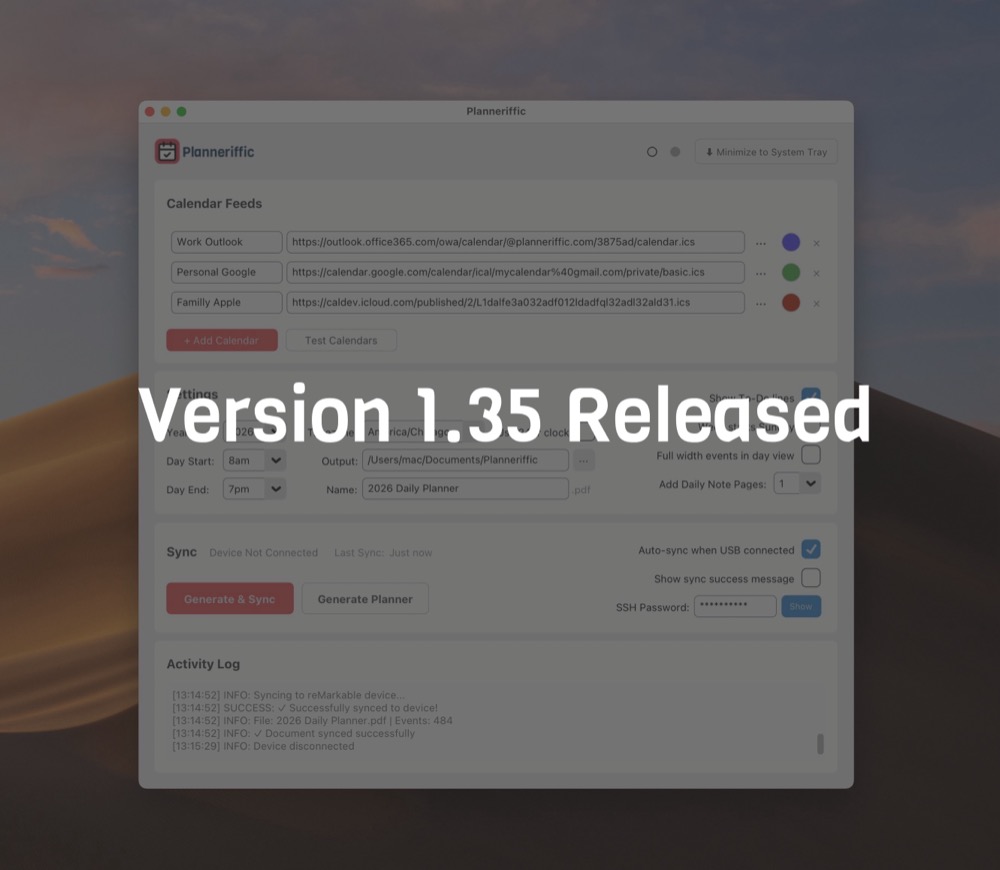
A couple fixes, including displaying multiple all day events, and renaming the planner file

Where to find free and paid reMarkable planner templates, how to spot the ones built for your tablet, and how to load them without breaking anything.
Which interactive PDF planner features work on a reMarkable, which don't, and how to test a planner before you commit to a full year of pages.
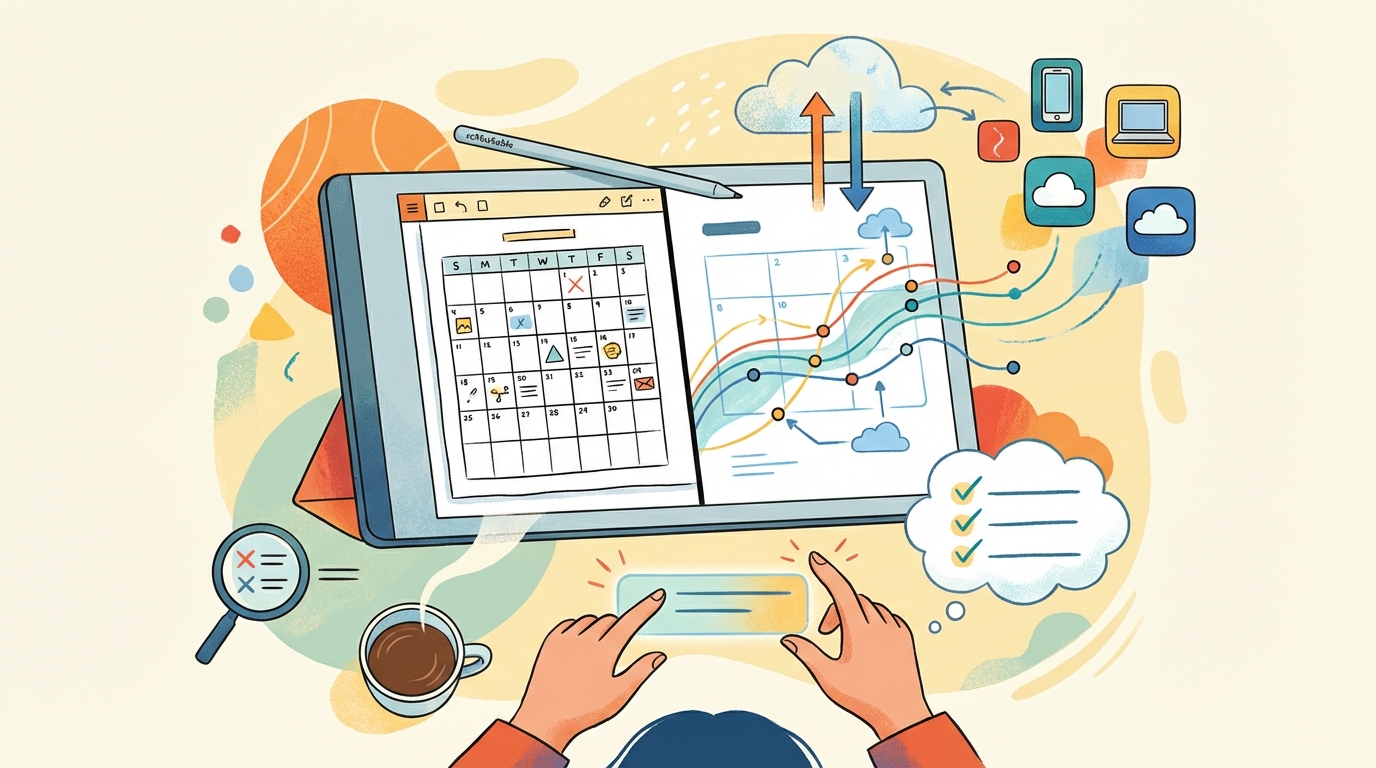
No reMarkable has a calendar app. Compare built-in templates, hyperlinked PDF planners and calendar sync apps to find the reMarkable planner for your week.
What to look for in a digital planner for the reMarkable Paper Pro Move, and how to get your Google, Outlook or Apple calendar onto it without copying events.
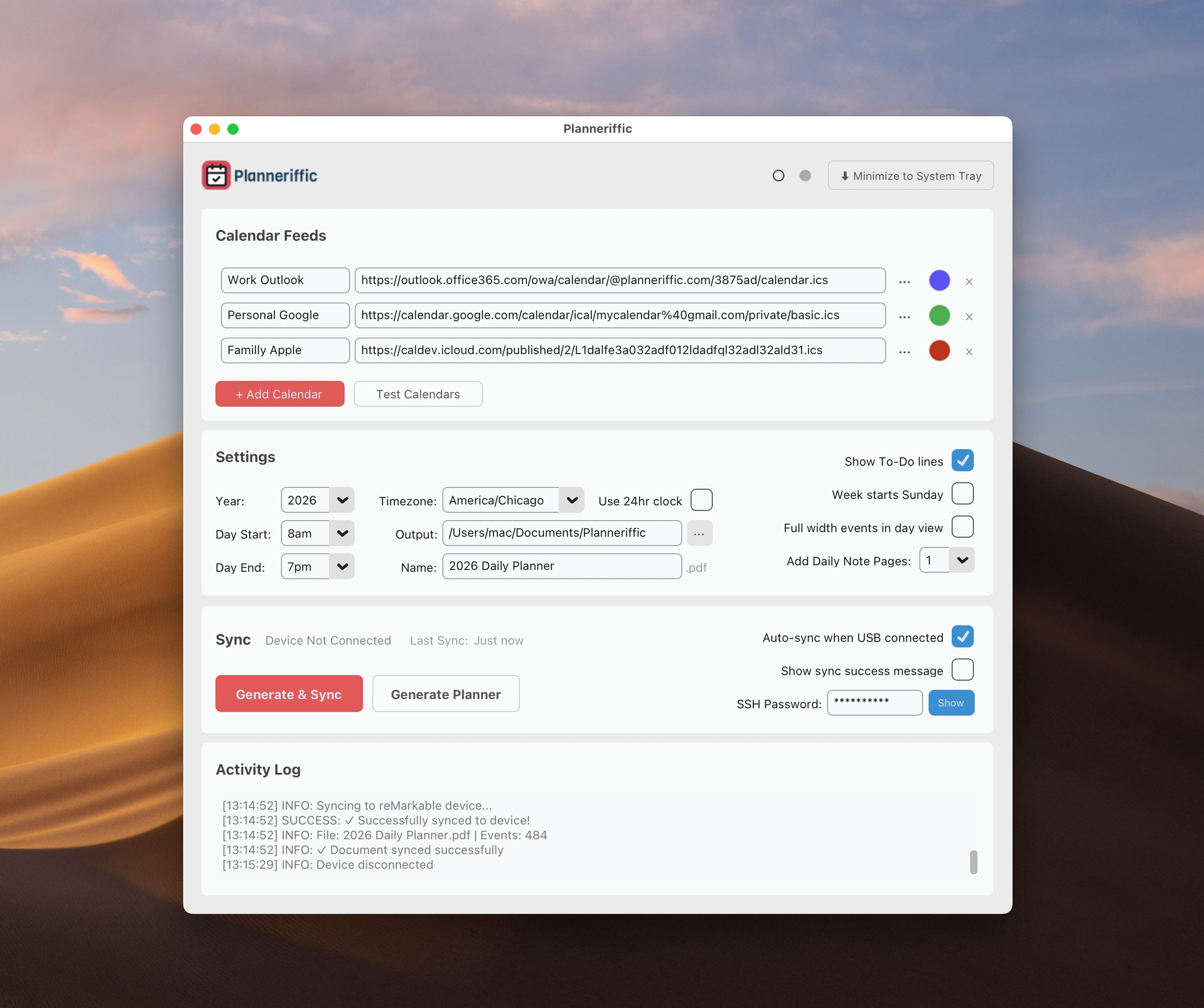
Try Planneriffic free for 7 days! Plus a new light mode, redesigned Settings and Sync sections, toolbar-friendly navigation in the Move, and smarter sync logic
Check out the latest updates including MacOS Tahoe support, a better approach to minimize the window, and Year navigation links
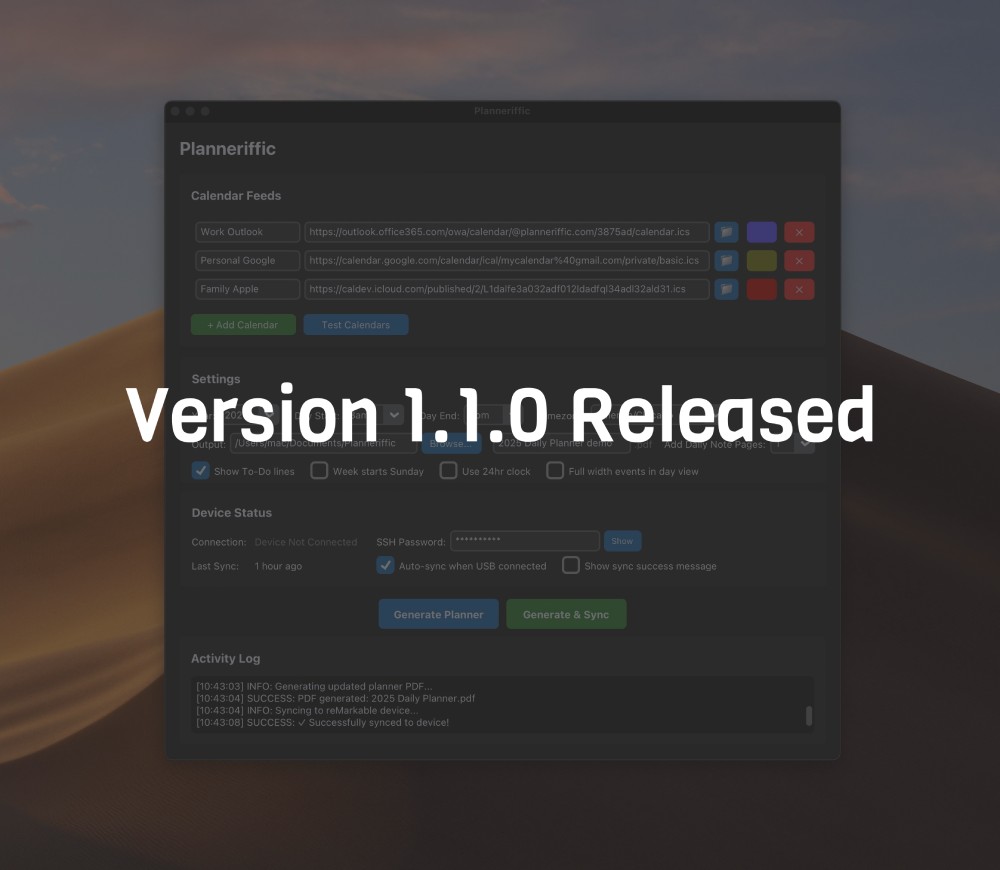
Check out the latest updates including optional note pages, full width events, better concurrent events, and more.
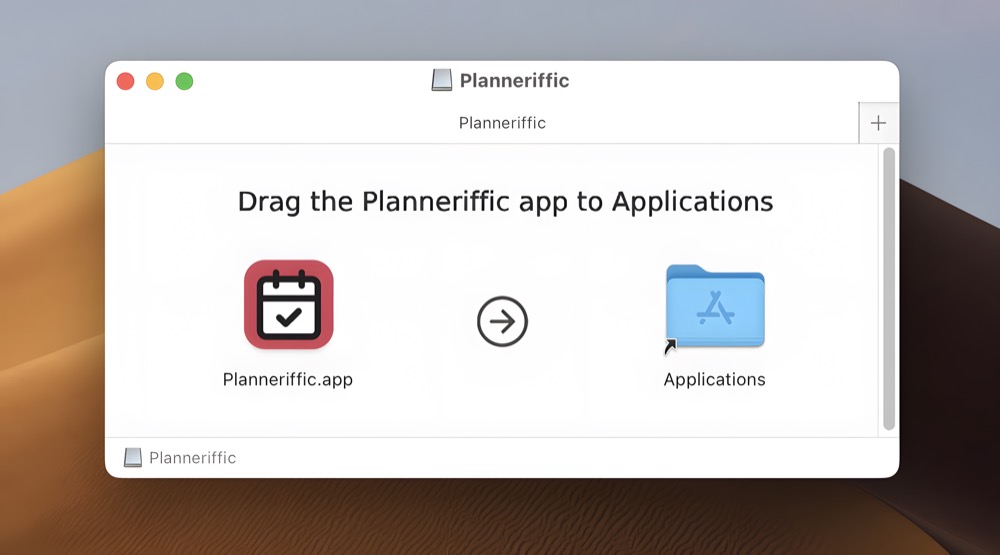
Making a desktop app for Windows and Mac is challenging, but fun?
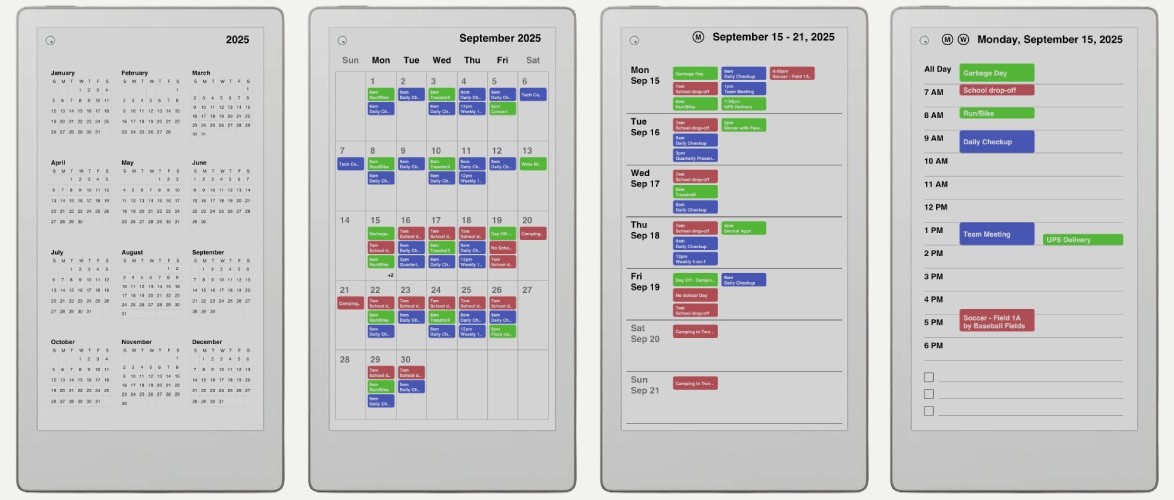
Complete guide to setting up Planneriffic, importing calendars, and configuring auto sync for your reMarkable Paper Pro Move.