
Does reMarkable Have a Calendar? reMarkable Planner Options Compared
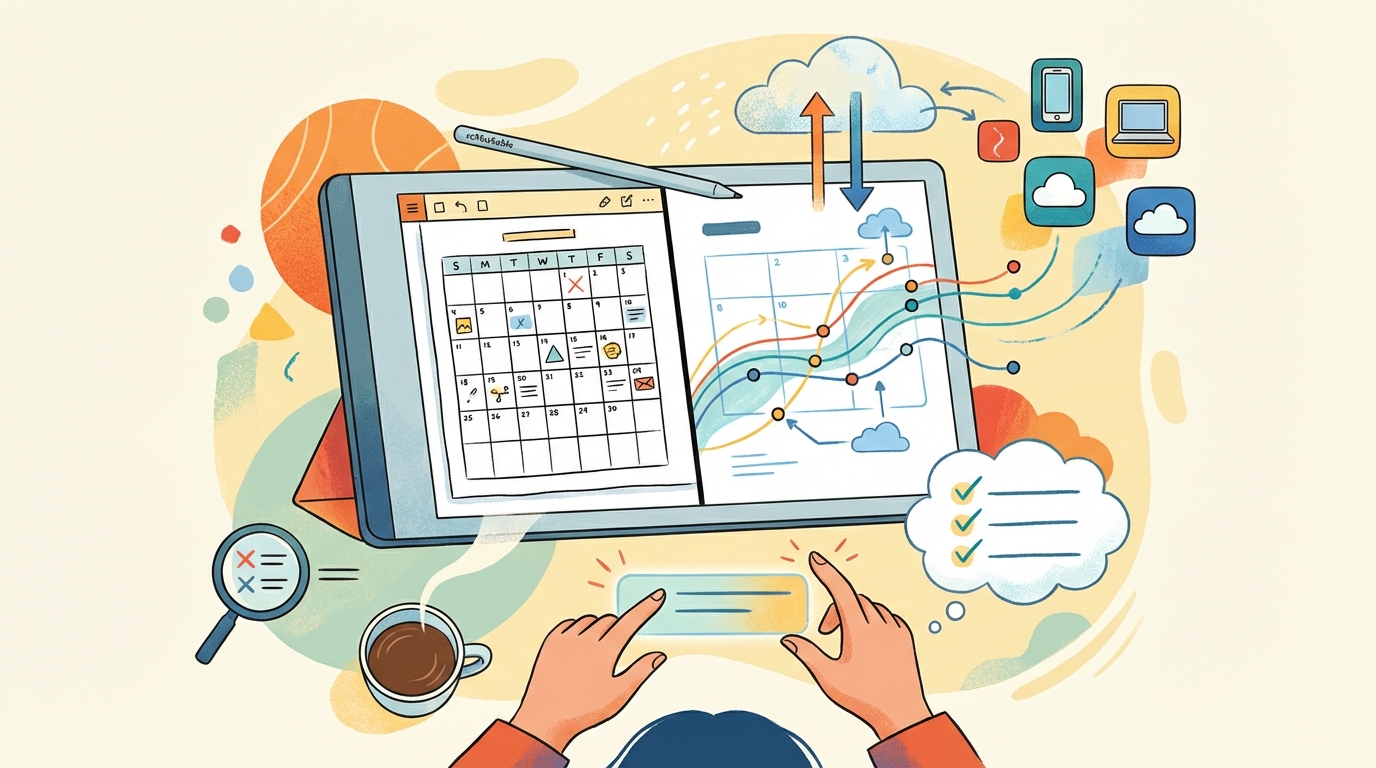
A reMarkable planner is only as good as the way events get onto it, and there are three ways to do that in 2026, from built-in templates to hyperlinked PDFs to apps that sync your real calendar. Here's a plain comparison so you can pick the one that fits your week. Choosing the wrong method means you'll end up manually copying every single appointment. Your week deserves better.
Does a reMarkable Have a Calendar?
A reMarkable doesn't ship with a native calendar app, which might be a shock if you expect to see your whole week laid out right there on the screen. The closest thing you get is the Meeting Notes tool, which works if you have a Connect subscription. It connects to your Google Calendar or Outlook account so you can see what is coming up next. It shows up to five meetings in the next ten hours, which helps you stay ready for quick calls. It's a simple list.
When you tap a meeting from that list, the tablet creates a new note that is prefilled with the title, date, attendees, and even the agenda for that session. This is great for taking notes during a single meeting because the info is already there for you. You don't have to type the details manually since the software does the heavy lifting for you. It saves time when you're in a rush and need to capture thoughts fast. It keeps your workspace clean and organized while you work.
This tool doesn't give you a week or month view, so you can't use it to plan out your long term goals or see your free time today. You can't see how your days fit together because the tool only looks at the immediate future. If you need to see the big picture of your month, this feature will leave you wanting more. This limit means you still need your phone or a computer to manage your actual daily schedule. You'll have to look elsewhere for your actual planning needs.
The Built-In Templates
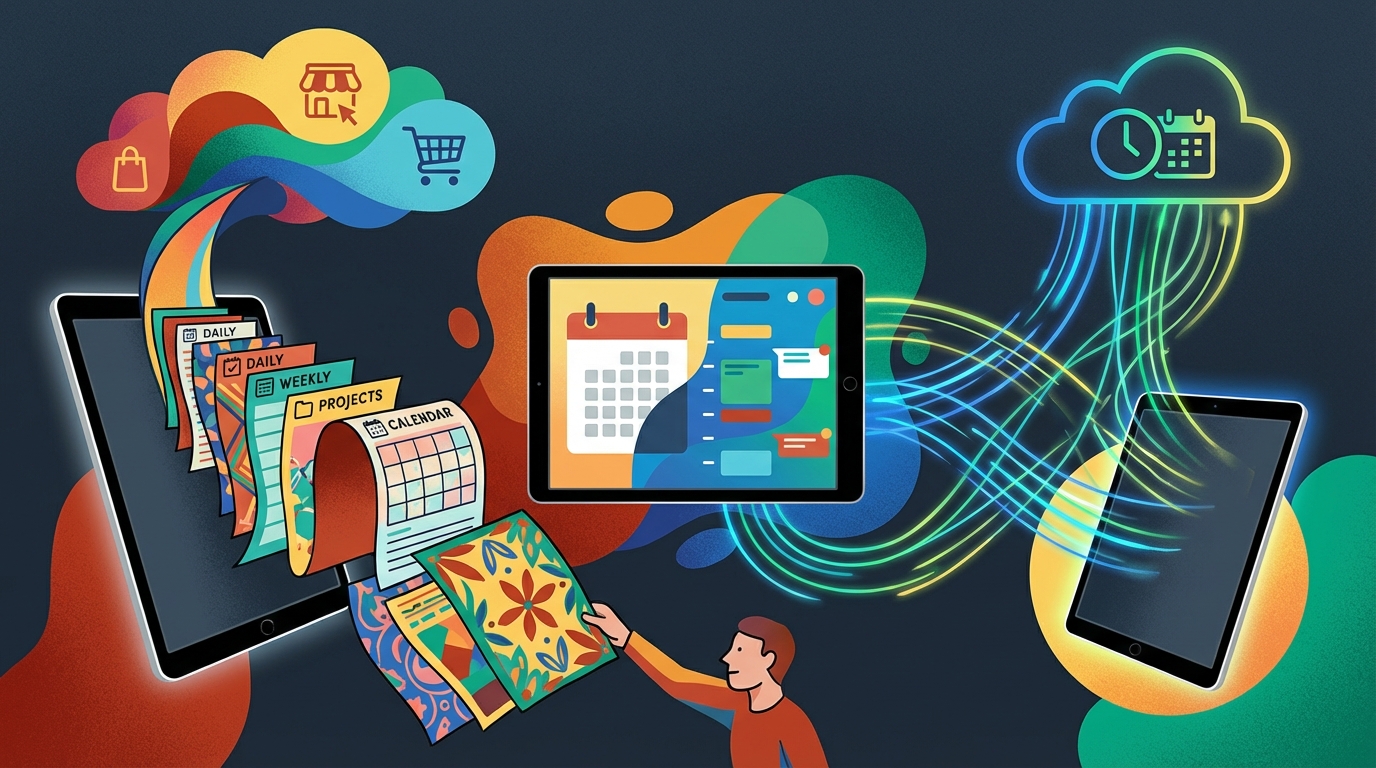
reMarkable comes with a set of built-in templates, and the company also offers a library called Methods, with some free templates and the rest included with Connect. These layouts work well if you like to journal while you plan, because they give you blank space for your notes. You can find various grids and lists that fit your needs, which depends on how you want to track your daily life. It is a simple way to start, since you don't need to worry about setup or complex software right away.
The main downside to these free tools is that they don't have pre-dated pages, which means you have to write every single date and time by hand as you go. Since there are no links between days, you can't just tap a button to move from Monday to Tuesday. This process might feel like a lot of work, but some people enjoy the feel of the pen on paper.
When you find that writing every event takes too much time, you'll likely notice that you stop using the tablet to schedule your life after just a few short weeks. A static planner can't handle recurring events well, because you have to copy them onto every new page. This is where it fails. You might need a tool that does the work for you, if you want to keep your life up to date.
Hyperlinked PDF Planners
When you use a hyperlinked PDF planner, you get pre-dated day, week, and month pages with links which the reMarkable follows so you can jump between views without getting lost (the interactive PDF planner guide covers what works and what breaks). This setup feels like a real upgrade over blank templates because it provides a rigid structure that helps you organize your thoughts quickly. But the catch is that the file is fixed, so when a meeting moves you have to cross it out and rewrite it again.
The static nature of these files means that recurring events are the hardest part to manage since you must write them on every future page by hand. This manual work is where most people give up because the effort to keep the schedule accurate outweighs the benefit of the tool. You end up with a mess of old notes if your life changes faster than your pen moves.
Since the reMarkable cannot update the PDF itself, you're betting that your week will stay predictable enough for the layout to remain useful over time. If a big project shifts, you find yourself staring at an outdated schedule that no longer reflects your actual reality. This friction makes the planner feel like a chore rather than a path to clarity.
The consequence of this rigid system is that users often stop trusting the planner and revert to their phones for their daily tasks. You might start the month with high hopes, but the grind of manual entry eventually leads to an abandoned digital notebook. It's a trade-off that feels heavy for anyone who has a fast-moving career or a busy family.
Apps That Sync Your Real Calendar

If you want to avoid copying every single meeting into a static file, you can use various desktop apps that build a custom planner PDF directly from your live calendar feeds. There are several tools available like Remarcal or CalSync that do this, and some of them support more reMarkable models than Planneriffic does.
Planneriffic is a desktop app for Mac and Windows built specifically for the reMarkable Paper Pro Move, and it pulls data from Google, Outlook, Apple, and iCal feeds. It creates an interactive PDF planner with year, week, and day views that link to each other while the day view includes an hourly schedule and space for notes. The tool syncs over USB and can even update automatically every time you plug the tablet into your computer, and the installation guide walks through the setup.
When you turn Developer Mode on, the app syncs to one PDF file and merges your handwritten notes into the new one so you don't lose your work. Without that setting, the software uploads a brand new PDF every time you sync, which is a real pain if you want to keep your old notes. This specific tool is for the Move only, so you shouldn't buy it if you only have a reMarkable 2. The Move planner guide goes deeper on that tablet.
Using these apps means your events land on the right day and time without you having to write them out by hand. This removes the biggest chore that usually makes people stop using a paper planner after just a few weeks. You get the feel of paper with the logic of a digital schedule. It's a smart way to keep your life organized without the stress of manual entry.
Frequently Asked Questions
Does reMarkable have a calendar app?
The reMarkable does not ship with a dedicated calendar app, but it includes a Meeting Notes tool on Connect to help you manage your upcoming daily schedule. This specific feature shows up to five events occurring within the next ten hours. You can tap an event to create a note prefilled with the title and date. This process keeps your notes organized without needing a full calendar interface.
Can I sync Google Calendar to my reMarkable?
You can link Google Calendar to the Meeting Notes tool through the Integrations section of the reMarkable website, which needs Connect, or use a calendar sync app that builds the events into a planner. Once the link is active, a calendar icon appears in your files to list your scheduled meetings. Tapping these entries lets you quickly generate new pages for each specific appointment. It bridges the gap between your digital schedule and your handwritten notes.
Do I need a Connect subscription for a planner?
You don't strictly need a subscription to use a planner, but Connect is required to access the Meeting Notes tool and unlimited cloud storage. Without it, your notes still stay on the tablet, but only files used within the last fifty days remain in the cloud for mobile access. Connect also adds handwriting search and AI conversion.
Will my handwriting survive a planner update?
Your handwriting will survive a planner update if you use specific tools like Planneriffic to merge notes into a single file. If you enable Developer Mode, the app syncs to one PDF and keeps your existing writing intact. Without that setting, every sync simply uploads a brand new planner file. This distinction prevents you from losing data when you refresh your schedule.
Which reMarkable planner is best for a busy schedule?
The best option for a busy schedule is a hyperlinked PDF planner that syncs with your real-time calendar feeds. Tools like Planneriffic on the Paper Pro Move, Remarcal or CalSync build these pages so events land on the correct day automatically. This avoids the manual chore of copying every recurring event by hand. Pair it with one of the planner templates for pages the calendar doesn't cover.