
reMarkable Paper Pro vs iPad for Planning and Deep Work
The reMarkable Paper Pro is the better tool for planning your day and doing focused work because it lacks notifications, while the iPad is the better tool for everything around it since it hosts your whole calendar and every app. You'll find the reMarkable Paper Pro forces deep concentration, but the iPad offers the versatility you need for complex tasks. One stays quiet while the other does everything. Choose based on your focus.
Why Focus Decides This Comparison
When you pick up an iPad to plan your day, you're stepping into a world where notifications, web browsers, and app stores fight to pull your attention away from the task at hand. The iPad Air runs full apps like GoodNotes or calendar tools, but these same tools bring constant pings that pop up while you try to map out a busy week. You might intend to stay focused, yet the constant urge to check a message often breaks the flow of a deep work session before it even starts.
The reMarkable Paper Pro takes a different path by leaving out the browser and social media entirely, which means you can't get lost in a digital rabbit hole while writing. Because there's no app store to distract you, you can actually stick to your daily plan without the friction of switching apps or ignoring tempting alerts. This design forces a level of intent that a multi-purpose tablet just can't match when you need to get real work done on a complex project.
A study from the University of Tokyo found that people have stronger brain activity when they write on paper compared to tablets and phones, and the paper group finished the note task about 25% faster. The research didn't include e-ink tablets, and its tablet group also wrote with a stylus, so treat it as a hint about paper rather than proof about any one screen.
Choosing between these two comes down to whether you want a tool that can do everything or a tool that does one thing very well. The iPad is great if you need your world in your pocket, but the reMarkable Paper Pro wins if your goal is to protect your mental energy. You're betting that the lack of distractions will lead to more output than the convenience of a thousand apps could ever offer. It's a trade-off between total utility and the quiet space needed to think clearly.
Screen, Color and Battery for a Working Day
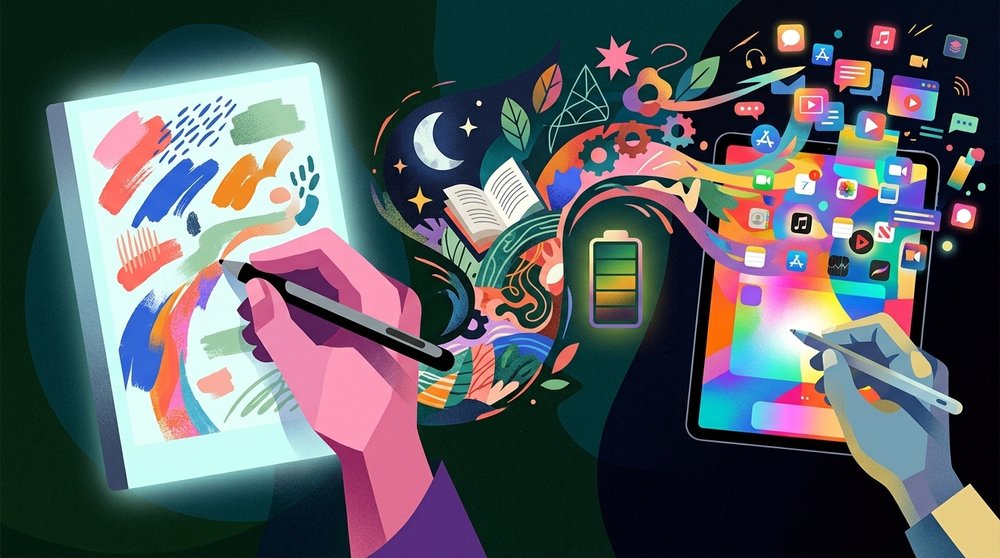
The reMarkable Paper Pro uses an 11.8-inch Canvas Color screen with 229 PPI that feels like real paper, while the reading light helps you work in dim rooms. It shows nine colors for your notes and sketches, and reMarkable rates the battery at two weeks with two hours of writing a day, five days a week. You won't need to hunt for a charger while you're away from your desk or traveling for a long work session.
The iPad Air offers an 11 or 13-inch LCD screen that stays bright and sharp, but the battery is rated for up to ten hours of browsing before you have to find a plug. You can run full apps and check notifications easily, though these constant alerts might distract you when you're trying to focus on deep work. It's a tool for people who need everything in one place.
Using an e-ink screen means you avoid the glare of a glass panel, but you lose the vibrant colors and fast refresh rates that the iPad provides. The reMarkable Paper Pro is built for quiet thought, while the iPad is built for high-speed multitasking. You're choosing between a tool that helps you focus and one that keeps you busy.
Getting Your Calendar Onto Each
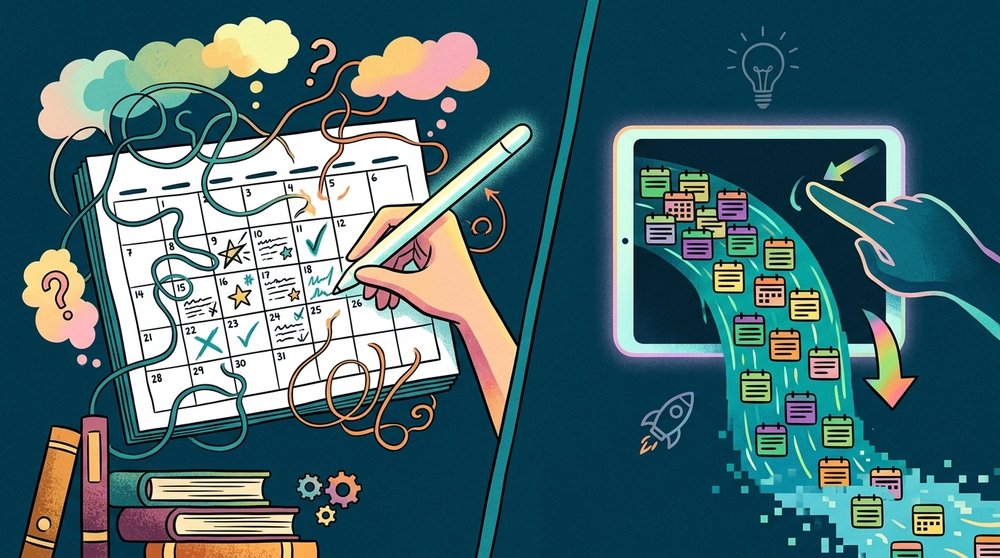
The iPad lets you manage your schedule through built-in calendar apps or digital planners like GoodNotes where you can write over a daily grid on a bright, responsive screen. You can jump between your email and your task list instantly, but the notifications from those apps often pull you away when you try to focus. This flexibility makes it easy to update your day in real time, though it means you are always one swipe away from a distraction.
The reMarkable Paper Pro does not have a native calendar app, but the Meeting Notes tool on Connect shows your next five meetings if you link your Google Calendar or Outlook. This simple list helps you see what is coming up, yet it doesn't offer a full view of your week or month. If you use PDF planners, the links inside those files work when you tap them with a finger, but the files remain fixed once you import them. The Paper Pro planner guide compares the options.
For the smaller reMarkable Paper Pro Move, you can use Planneriffic to sync your Google, Outlook, or Apple Calendar events into a custom PDF planner via a USB connection. This tool builds an interactive planner with year, week, and day views that link to each other so you can navigate your schedule easily. Since it syncs every time you connect the Move, your planner stays up to date without you having to manually enter every event, and with Developer Mode on your handwritten notes carry over. The Move planner guide shows the setup.
Choosing between these methods means deciding if you want the live updates of a tablet computer or the static focus of an e-ink notebook. The iPad gives you the power to change your mind fast, while the reMarkable forces you to be more intentional with how you spend your time. You are betting on your ability to stay on task when the screen is constantly trying to grab your attention.
Who Should Buy Which
If you spend your days writing, planning schedules, or reading through long PDFs, the reMarkable Paper Pro is the right tool because it removes the noise that usually pulls you away from your deepest work. This tablet doesn't have a browser or social media, so you can stay on task without constant pings from apps. You'll find that the textured screen feels like paper, which helps you focus for longer.
The iPad is for the person who needs to run full apps, watch videos, or use media tools since it's a real computer that can do almost anything you want. You can use apps like GoodNotes for your notes, but the glass screen might feel slippery unless you add a matte protector to it. If you need a tool that handles web browsing and notifications, the iPad is the only real choice. For note taking specifically, see reMarkable vs iPad for notes.
Many people find that keeping both devices is the best path because they use the iPad for media and the reMarkable Paper Pro for quiet writing. This setup lets you have the power of a computer when you need it and the focus of a notebook when you need to think. It costs more to buy both, but you avoid the frustration of trying to do deep work on a screen that is built to distract you.
Frequently Asked Questions
Is the reMarkable Paper Pro better than an iPad for planning?
The reMarkable Paper Pro is better if you want to eliminate distractions since it lacks a web browser, social media, and app store. The iPad offers full apps and constant notifications that can pull your attention away from deep work. You might find the e-ink screen helps you stay on task for longer. This focus is often why users choose dedicated hardware for planning sessions.
Does the Paper Pro show my calendar?
The reMarkable Paper Pro doesn't have a native calendar app but the Meeting Notes tool on Connect can link to your Google Calendar or Outlook. This tool lists up to five upcoming meetings occurring within the next ten hours. On the smaller Paper Pro Move, Planneriffic creates a full interactive PDF planner with daily views. This allows you to see your schedule directly on the screen.
Does the Paper Pro have apps?
No, the reMarkable Paper Pro does not have an app store or run third-party apps because it is built to be distraction-free. The iPad runs a multitude of apps like GoodNotes, Notability, and various web browsers. You trade flexibility for a much quieter mental environment. The reMarkable experience focuses strictly on reading and writing documents.
Which lasts longer on a charge?
The reMarkable Paper Pro is rated for two weeks on a charge with two hours of writing a day, five days a week. The iPad Air is rated for up to ten hours of web browsing or watching video playback. You will likely need to charge the iPad much more frequently. The e-ink technology is inherently more power efficient for static content.
Can I use a digital planner on both?
You can use a digital planner on both devices because they both support interactive PDF files that contain internal links. Links inside these PDF planners work on the reMarkable Paper Pro when you tap them with your finger. You can sync these files via USB-C or through cloud services. This keeps your planning system consistent across all your hardware.