

reMarkable vs iPad for Note Taking: Which One Fits Your Workflow?
The reMarkable wins on feel, focus and battery for handwritten notes, while the iPad wins on apps, search and everything that isn't writing, so the right one depends on whether notes are your main job or one job among many. You'll prefer the e-ink screen if you want a distraction-free experience, but the iPad offers a full suite of tools for complex tasks. Choosing the wrong tool means you will either fight distractions or miss out on vital features. Pick your priority wisely.
How Writing Feels on Each
The reMarkable Paper Pro uses a textured display surface that puts ink less than 1 mm from the pen tip, which mimics the feel of a real pen on paper. This matte e-paper screen reflects light instead of glowing, the way paper does. Many people find that the friction helps them control their strokes. It is a tool that feels solid and tactile when you want to focus on a single page.
The iPad relies on a glass LCD that feels slippery to many users, and matte screen protectors are a common fix to add some grit and friction. The Apple Pencil Pro is sold separately and adds features like pressure sensitivity, hover, and haptics to give you digital feedback as you draw. While these tools make the experience feel modern, they still lack the physical resistance found on an e-ink device. You're betting on high-tech tricks to compensate for the lack of a real texture.
Choosing between these two comes down to whether you value the tactile bite of e-ink or the raw speed of a high-end digital screen. If you find that sliding on glass is distracting, the reMarkable will feel much more natural for your daily notes. But if you need the haptic clicks and the precision of a glass display, the iPad is the better bet. It's a simple trade-off between the soul of a notebook and the utility of a computer.
Focus and Distraction
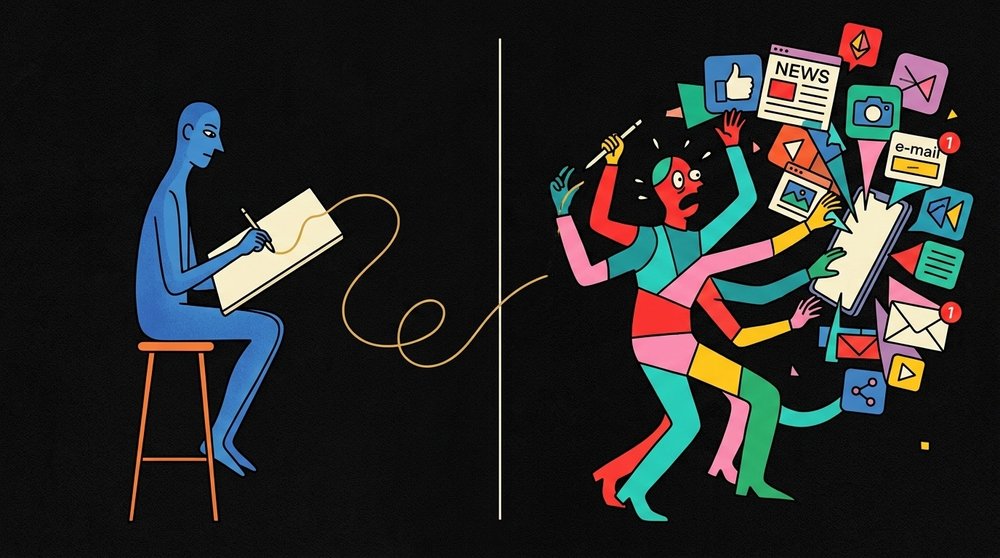
The iPad is a full computer that runs every app you can imagine, which means you will face constant pings and popups while you try to focus on your private notes. You can check your mail or browse the web, but these interruptions often break your flow before you can finish a single thought. It's hard to stay on task when the screen is always begging for your attention with something new.
reMarkable Paper Pro is built to be distraction-free because it leaves out the web browser and the app store, so you cannot easily wander off into social media. Since there are no notifications to pop up on the screen, you can write for hours without worrying about a missed call or a text message. This lack of features isn't a flaw, but rather the core goal for people who need to think deeply.
A study from the University of Tokyo found that writing on paper helps with recall more than using tablets and phones, though it didn't actually test e-ink tablets like the reMarkable Paper Pro. We can't say for sure if e-ink gives that same mental boost, because the research only compared paper with tablets and phones. Still, fewer interruptions are a reason on their own.
Choosing the iPad means you're betting on your own willpower to ignore the urge to check an app while you work. If you pick the reMarkable, you're choosing a tool that forces you to stay on task by refusing to offer distractions. This trade-off matters for people who find that their phone is the main reason they never get real work done. You'll have to decide if you need the power of a computer or the quiet of a notebook.
Battery, Weight and Carrying It
reMarkable rates the Paper Pro at two weeks of battery with two hours of writing a day, five days a week, which means you can skip the hunt for a charger during a busy school or work week. It weighs about 525 g, so it feels substantial in a bag. The reMarkable Paper Pro Move is much lighter at about 230 g, and it slides into a pocket easily.
Since the iPad Air is rated for up to 10 hours of browsing or video, you might need to plug it in every night if you use it for heavy tasks throughout the day. This constant need for power means you have to carry a cable, which adds another item to your bag.
Carrying these tools changes how you move through your day, because one works like a notebook while the other works like a computer. The iPad Air is more versatile, but its battery life means you plan around the charger. If you want a tool that just works without a worry, the reMarkable wins. You'll spend less time thinking about power and more time focusing on your work.
Finding and Using Your Notes Later
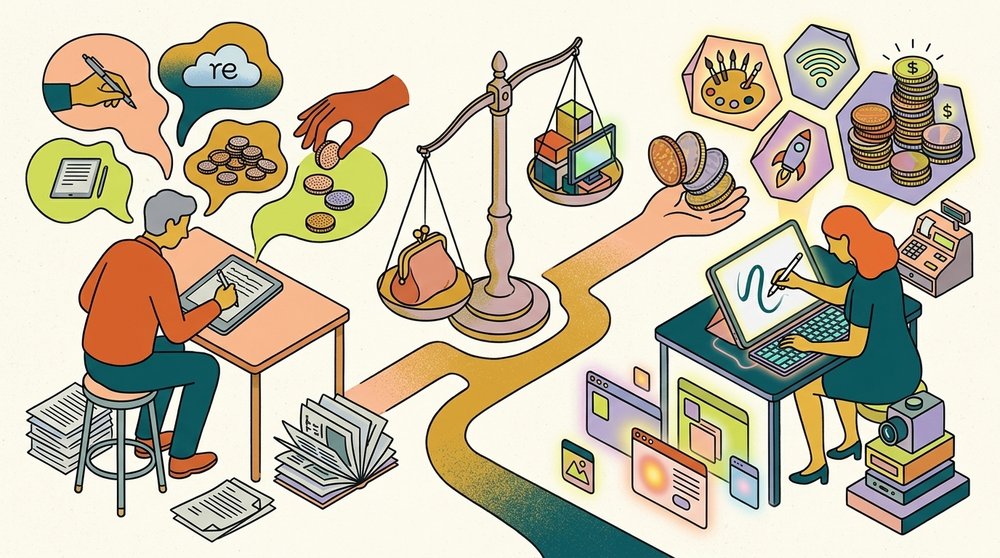
When you build a large library of notes over years, the way you find a specific thought matters more than how the pen felt when you wrote it down. The iPad uses apps like GoodNotes and Notability to let you search through your handwritten text and share files with others. These tools make it easy to organize big projects, but the interface can sometimes feel cluttered with too many moving parts.
The reMarkable uses folders and tags to keep things tidy, and it can search your handwriting if you pay for the Connect subscription. The Paper Pro tips guide covers the free tools too. You can also convert your notes to text for free, but the unlimited cloud storage and better AI tools require that monthly fee. If you don't pay, only the files you used in the last fifty days stay in the cloud.
Choosing between these two depends on if you want a deep system of apps or a simple digital notebook that stays out of your way. The iPad gives you power to do everything, while the reMarkable keeps you focused on the page at hand. For planning on the page, the reMarkable planner comparison covers the options, and Planneriffic puts your calendar on the Paper Pro Move.
Frequently Asked Questions
Is reMarkable better than iPad for note taking?
The reMarkable is better if you want a distraction-free experience without notifications, social media, or a web browser found on the iPad. The E Ink screen reflects light like paper and does not glow like an LCD. You'll find it easier to focus without apps pulling your attention.
Can a reMarkable replace an iPad?
A reMarkable cannot replace an iPad because it lacks full apps like GoodNotes, Notability, and a native calendar for daily use. You can't edit video or run complex software on this simple e-ink tablet. Most users still need the iPad for media consumption and heavy computing tasks.
Does reMarkable have handwriting search?
The reMarkable offers handwriting search once you subscribe to the Connect service which provides unlimited cloud storage and AI conversion. Basic handwriting-to-text conversion works on any model without a paid subscription. This helps you find specific notes within your digital notebooks very quickly.
Which has better battery life?
The reMarkable has much better battery life, rated for up to two weeks while the iPad Air is rated for up to 10 hours of use. Depending on use, you'll charge the iPad far more often. The reMarkable stays powered for much longer between charges.
Should I get both?
You should get both if you want the iPad for media and apps but need the reMarkable for focused writing and planning. This setup allows you to avoid distractions while still having access to necessary tools. If planning and deep work are the reason you're looking, see reMarkable Paper Pro vs iPad for planning.